Limit Order
How to Set Limit Orders in Crypto (DeFi Guide + Step-by-Step)

Merlin
Author
Introduction
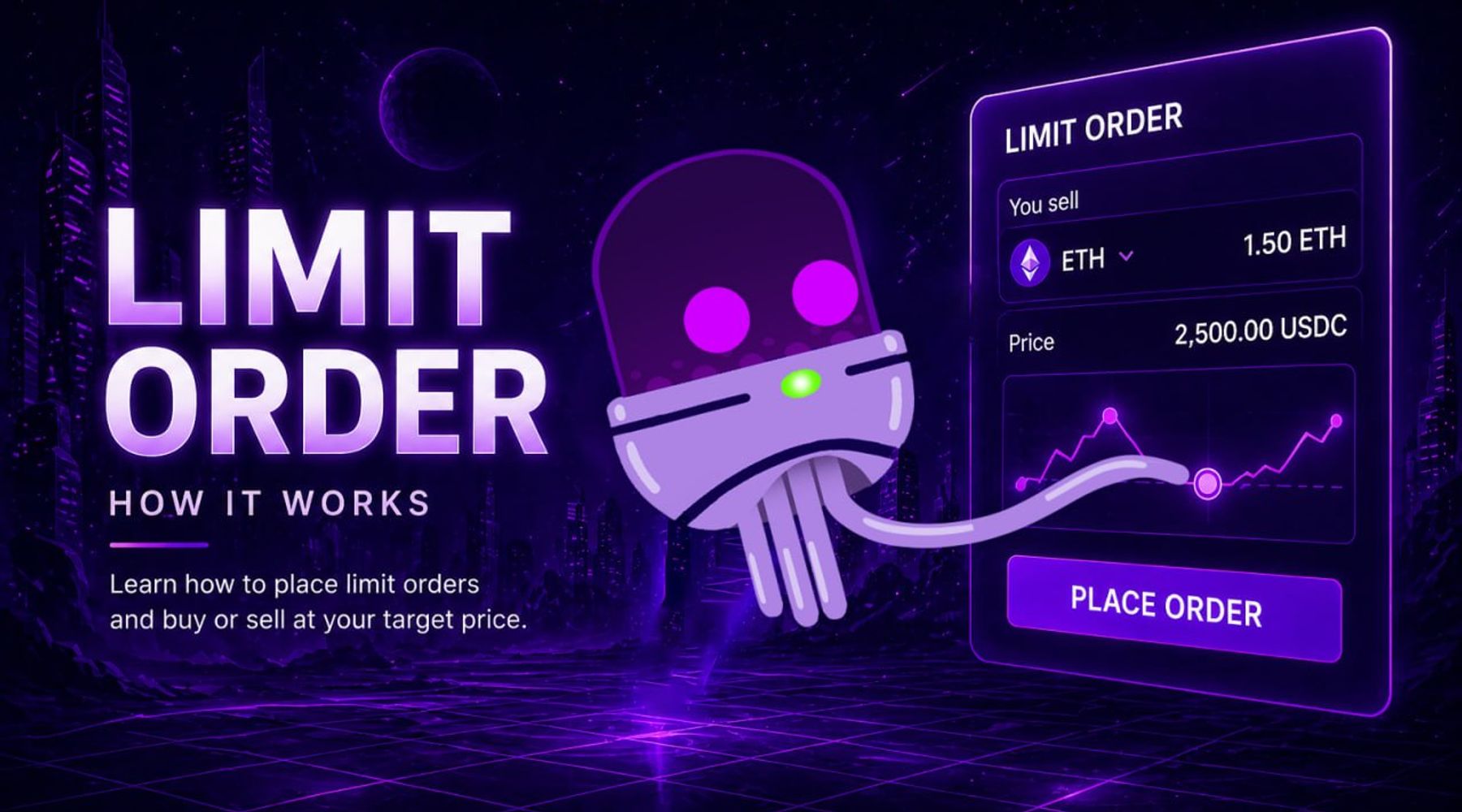
Limit orders allow you to buy or sell a cryptocurrency at a specific price automatically. Instead of reacting to the market in real time, you define your entry or exit in advance and let the trade execute when conditions are met.
In decentralised trading (DeFi), this is especially valuable. Markets move quickly, and without automation, traders often miss ideal price levels or spend hours monitoring charts.
This guide explains how limit orders work, why they matter in DeFi, and how to set them step-by-step using Axxel.
What is a Limit Order?
A limit order is an instruction to buy or sell a token at a specific price rather than the current market price.
- Limit buy: buy when price drops to your target
- Limit sell: sell when price rises to your target
Example:
- Token price = $1.20
- You set a limit buy at $1.00
→ The trade only executes if the price drops to $1.00 - Token rises to $2.00
- You set a limit sell at $2.50
→ The trade executes only if price reaches $2.50
This gives you control over execution instead of chasing the market.
Limit Orders vs Market Orders
- Market order: executes instantly at current price
- Limit order: executes only at your defined price
Market orders prioritise speed.
Limit orders prioritise precision.
In volatile crypto markets, limit orders help avoid:
- overpaying on entry
- panic selling on dips
- emotional decision-making
Why Limit Orders Matter in DeFi
On centralised exchanges, limit orders are standard.
But in DeFi, many decentralised exchanges (DEXs) like Uniswap or PancakeSwap don’t offer native limit order functionality.
This creates problems:
- you must monitor prices manually
- trades can be missed during fast moves
- managing multiple tokens becomes difficult
Limit order tools solve this by:
- tracking prices continuously
- executing trades automatically
- allowing strategy-based trading instead of reactive trading
How Limit Orders Work in Practice
A limit order bot monitors price conditions in real time.
When your defined condition is met:
- the bot executes the trade instantly
- no manual input required
- no delay from user reaction
This is especially useful for:
- buying dips
- selling into resistance
- managing multiple tokens at once
How to Set Limit Orders Using Axxel
Unlike most DeFi tools, Axxel allows you to set limit orders across Ethereum, Base, BSC, and Solana — all in one place.
Option 1: Set Limit Orders Using Telegram (Fastest Execution)
The Telegram interface is designed for speed and simplicity.
Steps to set a limit buy:
- Open the Axxel Telegram trading bot
- Go to the BUY menu
- Paste the token contract address
- Select your wallet and gas settings
- Choose limit buy option
- Set your condition:
- price
- market cap
- or % change
- Select your buy amount
- Confirm order
👉 Your trade will execute automatically when conditions are met.
Steps to set a limit sell:
- Go to the SELL menu
- Select the token
- Choose wallet and gas settings
- Select limit sell option
- Set your condition (price, market cap, or %)
- Choose sell amount
- Confirm
👉 You can track all orders using the order menu.
Option 2: Set Limit Orders Using Web Platform (More Control)
The web platform provides a more structured view for managing trades.
Typical workflow:
- Select the token from dashboard
- Choose limit order
- Set price or condition
- Define trade size
- Confirm order
The web interface is ideal for:
- managing multiple positions
- tracking performance
- adjusting strategies more precisely
Real Use Cases for Limit Orders
Traders use limit orders to:
- Buy tokens automatically during dips
- Sell into resistance without watching charts
- Trade volatile tokens at better prices
- Manage multiple entries and exits across chains
- Combine with automation tools for full strategy execution
This allows for more disciplined and consistent trading.
Common Risks to Be Aware Of
Limit orders improve control, but they aren’t perfect.
- Price may never reach your target
- Fast markets can skip your order
- Low liquidity tokens may execute poorly
- Overly strict targets can lead to missed trades
Automation helps execution — but strategy still matters.
How Traders Combine Limit Orders with Other Tools
Limit orders are often part of a broader setup:
- Use limit orders to enter positions
- Use trailing stop-loss to protect gains
- Use sniping tools for early token access
This creates a complete trading workflow — not just a single action.
Supported Chains
Axxel supports limit orders across:
- Ethereum
- Base
- BSC (BNB Chain)
- Solana
This allows you to trade across multiple ecosystems without switching tools.
Fees
Axxel charges a flat 0.9% fee per trade, with no hidden costs or subscriptions.
Example:
- Buy $1,000 → $9 fee
- Sell $1,000 → $9 fee
For full details, see the Axxel pricing page.
Conclusion
Limit orders are one of the most important tools for disciplined trading in crypto.
They allow you to:
- control your entries and exits
- reduce emotional decisions
- automate execution across markets
In DeFi, where most platforms lack native support, tools like Axxel make limit orders practical and accessible.