How to Use a Block Explorer: Reading Solscan, Etherscan and Blockscout
The tool that can't lie to you, and the five things worth looking up on it.

Merlin
Author
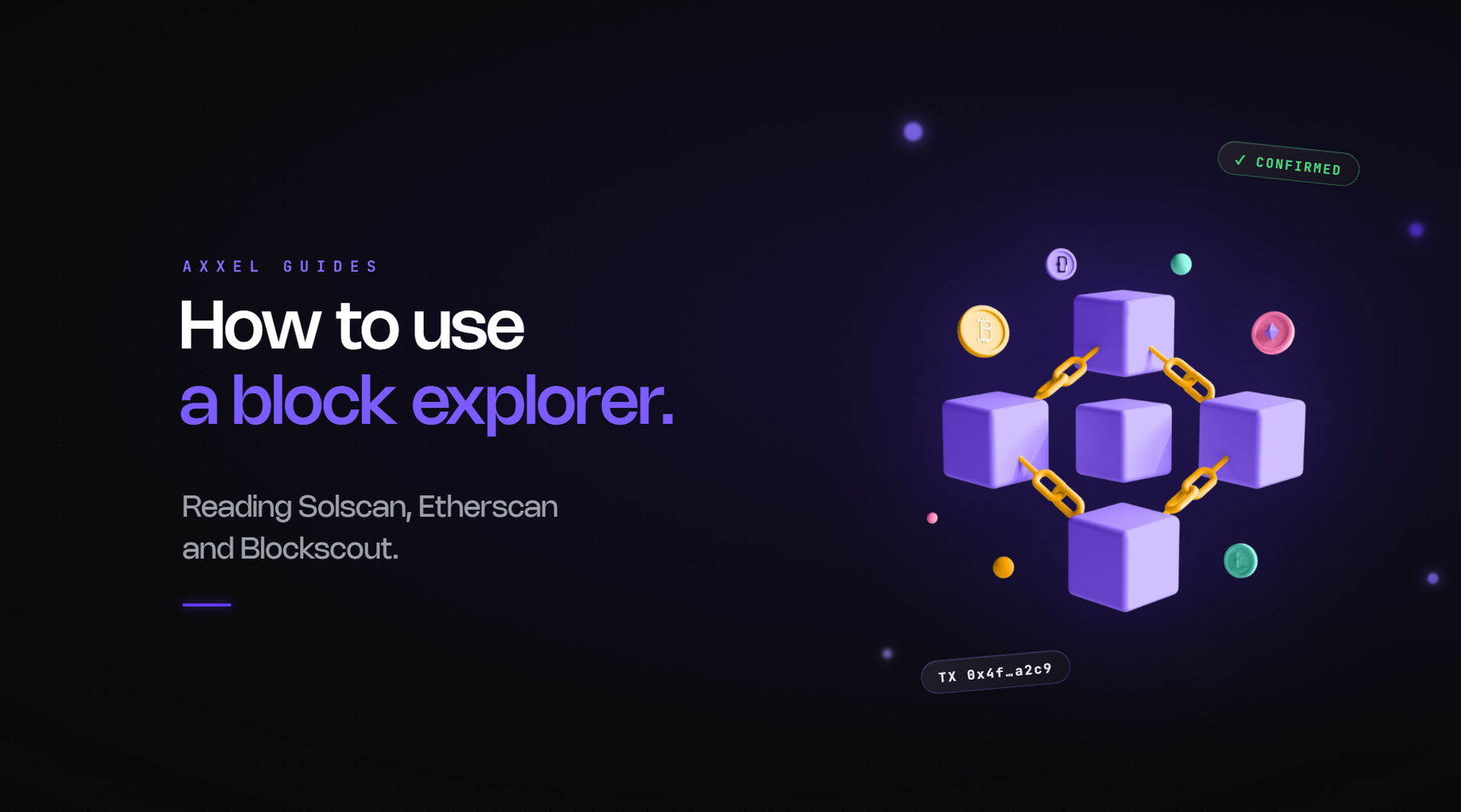
Every screener, tracker and dashboard is reading the blockchain and presenting a summary. Summaries are convenient and frequently wrong, because the tool is reading a subset of the data and not telling you which subset.
A block explorer shows you the chain itself. Slower to read, impossible to fake. Worth knowing how to use for the moments when a number matters.
Which one
One per chain, all free, all browser-based.
Solscan for Solana. Etherscan for Ethereum. BscScan for BNB Chain. Basescan for Base. Blockscout for Robinhood Chain. They all work the same way with slightly different layouts.
The three things you can look up
Paste any of these into the search bar.
A wallet address. Shows its balance, every token it holds, and its full transaction history.
A token's contract address. Shows supply, holders, the contract itself, and every transfer.
A transaction hash. Shows exactly what happened in that one transaction: who sent what to whom, what fee was paid, whether it succeeded.
Five things worth doing on an explorer
1. Verify a contract address. Paste the CA. If it resolves to a token with the right name, real holder count, and real transaction history, it's the token. If it resolves to something with twelve holders created an hour ago, it's a copycat. This takes ten seconds and prevents the most common way people lose money.
2. Check the top holders. The token page has a holders tab. Look at what share the top ten hold, and click into the largest ones. A pool contract or burn address is fine. Ten wallets all created on the same day and funded from one source is a bundle.
3. Check the deployer. The token page shows the creator address. Click it, look at its history. Forty tokens deployed this month and every one dead is the most useful thing you'll learn about the forty-first.
4. Check authorities and LP. On Solscan, the token page shows whether mint and freeze authority are active. Both should be revoked. On EVM explorers, the contract tab shows whether ownership is renounced, and the LP token's holders show whether liquidity went to a burn address or a lock contract.
5. Verify a wallet's actual entry. This is the one that fixes wrong PnL numbers. Screeners calculate profit per trading pair, so a wallet that bought on a bonding curve and sold after migration shows almost no cost basis. The explorer's balance changes or token transfers tab for that wallet shows every acquisition regardless of where it happened. When a trader looks like they turned $75 into $93,000, this is where you find out they didn't. More on why.
Reading a transaction
When you click into a transaction hash, you'll see a list of what moved. The useful parts:
From and to. Who sent, who received.
Token transfers. Each token that changed hands, how much, and between which addresses. A swap shows tokens going out of your wallet and different tokens coming in.
Fee. What the transaction cost.
Status. Success or failed. Failed transactions still cost the fee, which is why you'll sometimes see gas spent with nothing to show for it.
Instructions or logs. The technical detail of what the contract did. Usually skippable, occasionally the thing that explains a weird result.
Reading a wallet
Balances. What it holds now.
Transaction history. Everything it's ever done, newest first. Filter by token to see just its activity on one asset.
Balance changes. On Solscan specifically, this tab shows every increase and decrease in each token, which is the cleanest view of when a wallet acquired something and when it sold. It's the tab that resolves most arguments about who bought when.
Funding source. Scroll to the wallet's earliest transactions. Where did its first funds come from? An exchange, or another wallet? If the latter, click that one and repeat. This is how you trace whether ten "independent" holders are one person.
What explorers don't do
They don't calculate profit for you, don't label most wallets, and don't tell you whether a token is safe. They show you what happened. Interpreting it is the skill, and the research routine is where the interpretation is laid out.
They also don't work as a daily workflow. Nobody researches forty tokens a day on Solscan. The explorer is for when a number matters enough to check, which is before real money goes in and whenever a dashboard figure looks wrong.
A habit worth building
Before you commit to anything meaningful, one trip to the explorer. Confirm the CA, glance at the top holders, click the deployer. Two minutes, and it's the version of the check that can't be gamed by a token designed to look clean on a screener.
Axxel includes token analysis alongside market, limit, trailing and sniper orders, stop loss and take profit, MEV protection and configurable slippage across Ethereum, Base, BSC, Solana and Robinhood Chain. Flat 0.9%, non-custodial, no subscription.
Tools summarise. Explorers show. When they disagree, the explorer is right.
Crypto trading carries risk. Most memecoins lose value. Nothing here is financial advice. Axxel is not available in all regions.
The glossary should sit in your main navigation or footer rather than just the blog feed. It's a reference page, and it earns links from the other sixty articles every time a term appears. Worth going back through the top ten or so and linking the first use of each term to it.