Why Is My PnL Wrong? How Trackers Miscount Your Trades
The wallet that turned $75 into $93,000 didn't. Here's why the tracker said it did, and how to check your own.

Merlin
Author
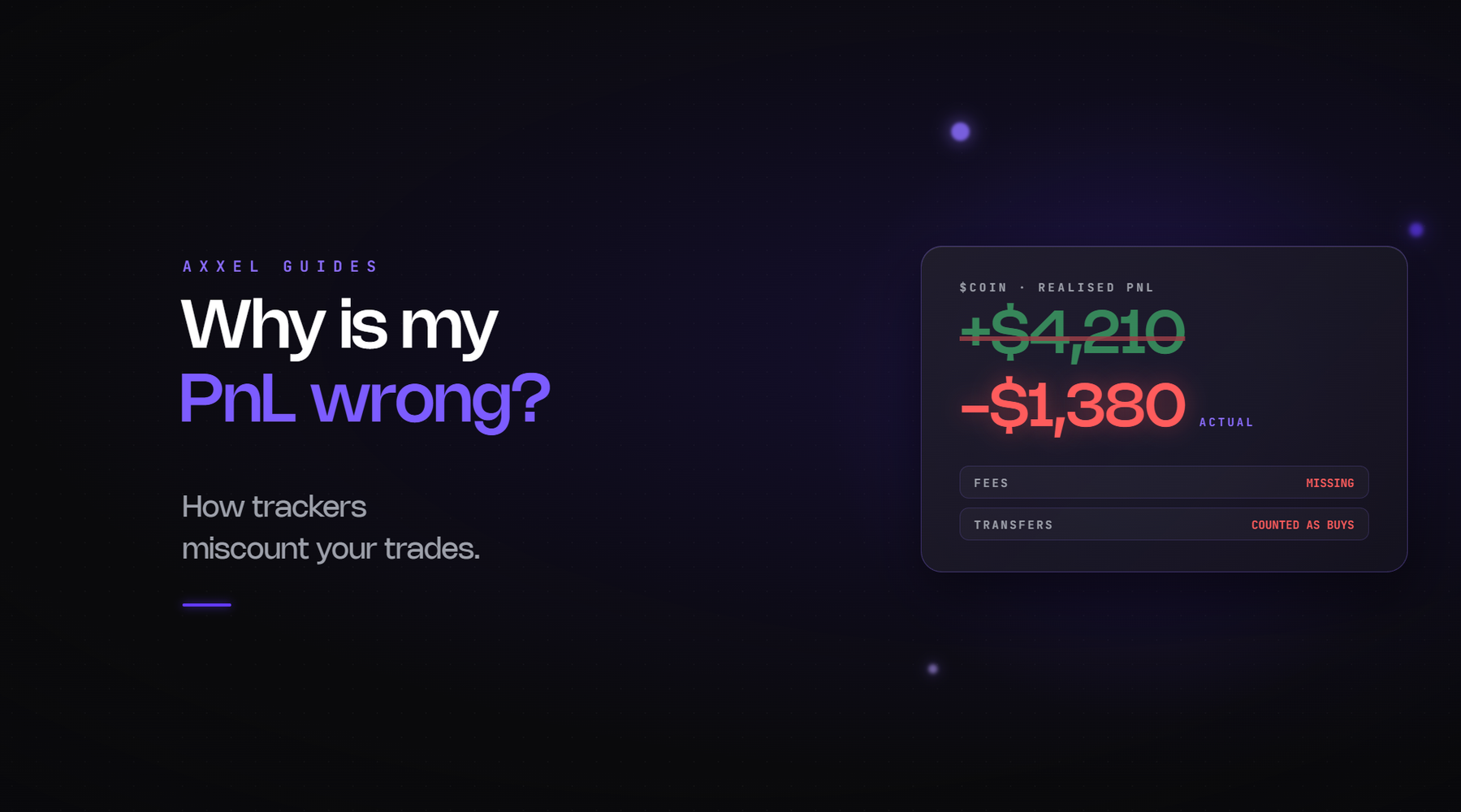
Every tracker shows you a PnL number and most people trust it. Then a leaderboard shows a wallet that turned $75 into $93,000, or your own history shows a trade you know was flat as a 300% win, and the number's obviously wrong.
It's not a bug, mostly. It's how the tools calculate, and once you know the causes you can spot which one you've hit.
1. The two-pool problem
The big one, and it's specific to launchpad tokens.
A token on a bonding curve trades in one venue. When it graduates, it migrates to a DEX pool. That's a different pair with a different address, and most trackers calculate PnL per pair.
So a wallet that bought on the curve and sold after migration shows the sells on the DEX pair and almost none of the buys, because the buys happened somewhere the tracker isn't looking. Result: a tiny cost basis, an enormous percentage, and a leaderboard full of people who look like geniuses.
The reverse happens too. A wallet that bought post-migration and sold back into the curve shows buys with no matching sells.
How to spot it: a wallet with a large "sold" figure and a "bought" figure that's near zero or a fraction of it, on a token that came through a launchpad.
How to fix it: the explorer. On Solscan the balance changes tab shows every acquisition regardless of venue. That's the real cost basis, and it's usually a lot higher than the tracker's.
2. Tokens received, not bought
Airdrops, transfers from another wallet, tokens sent by a project to a KOL. The tracker sees them arrive and either records a zero cost basis or ignores them entirely, then counts the full sale as profit.
How to spot it: a wallet shows sells with no buys at all, or the "bought" column is $0 with 0 transactions.
That's the pattern on half the "top traders" of tokens that were seeded to influencers, and it's why leaderboards on those tokens mean almost nothing.
3. Multiple wallets
Someone buys from wallet A, transfers to wallet B, sells from B. Tracker shows A as a loss and B as pure profit. Both wrong.
How to spot it: a large inbound transfer that isn't a swap, followed by sells.
4. Fees and taxes not counted
Most trackers show gross swap values. Priority fees, platform fees and token taxes come out separately and aren't always subtracted. On small positions that's a meaningful share of the number.
How to spot it: your tracker PnL is consistently a bit higher than what actually landed in your wallet.
5. Realised versus unrealised
Some tools show realised only, some show both, some blend them without saying which. A position that's up 4x on paper and hasn't been sold is unrealised, and it's a screenshot until it isn't.
How to spot it: check whether the figure changes when the price moves without you trading.
6. Wrong reference price
Trackers price positions using a specific pool at a specific moment. On thin tokens with several pools, the pool they picked may be quoting something nobody could actually sell into.
How to spot it: an unrealised figure that's far above what you'd get if you actually tried to exit the position.
Why it matters beyond your own numbers
Leaderboards mislead. If you're using a token's top traders to find smart money, the two-pool problem puts the wrong wallets at the top. The 20,000-transaction market maker and the wallet that got airdropped its whole bag are both up there for reasons that have nothing to do with skill.
Copy trading inherits the error. If a copy tool is ranking targets by tracker PnL, you're copying an artefact.
Your own review is compromised. If you're keeping a log to find out which of your habits is losing you money, a wrong PnL makes the log say the wrong thing.
Getting the real number
For any trade that matters, the explorer. Find the wallet, find the token, read the balance changes or token transfers tab, and add it up. Every acquisition at its actual price, every disposal at its actual price, fees included. The block explorer guide covers the tabs.
It's slow. It's also the only method that can't be fooled by which pool the tracker was watching. For your own trading, a tool that tracks across venues and includes fees is worth having, and for a leaderboard wallet you're about to take seriously, two minutes on the explorer settles whether the number's real.
Axxel includes position tracking and trade history alongside token analysis, market, limit, trailing and sniper orders, stop loss and take profit, MEV protection and configurable slippage across Ethereum, Base, BSC, Solana and Robinhood Chain. Flat 0.9%, non-custodial, no subscription.
The tracker shows you a calculation. The chain shows you what happened.
Crypto trading carries risk. Most memecoins lose value. Nothing here is financial advice. Axxel is not available in all regions.