How to Read a Memecoin’s Transaction Feed
The txns tab tells you who’s buying, who’s selling and whether the volume is real. Here’s how to read it in under a minute.

Merlin
Author
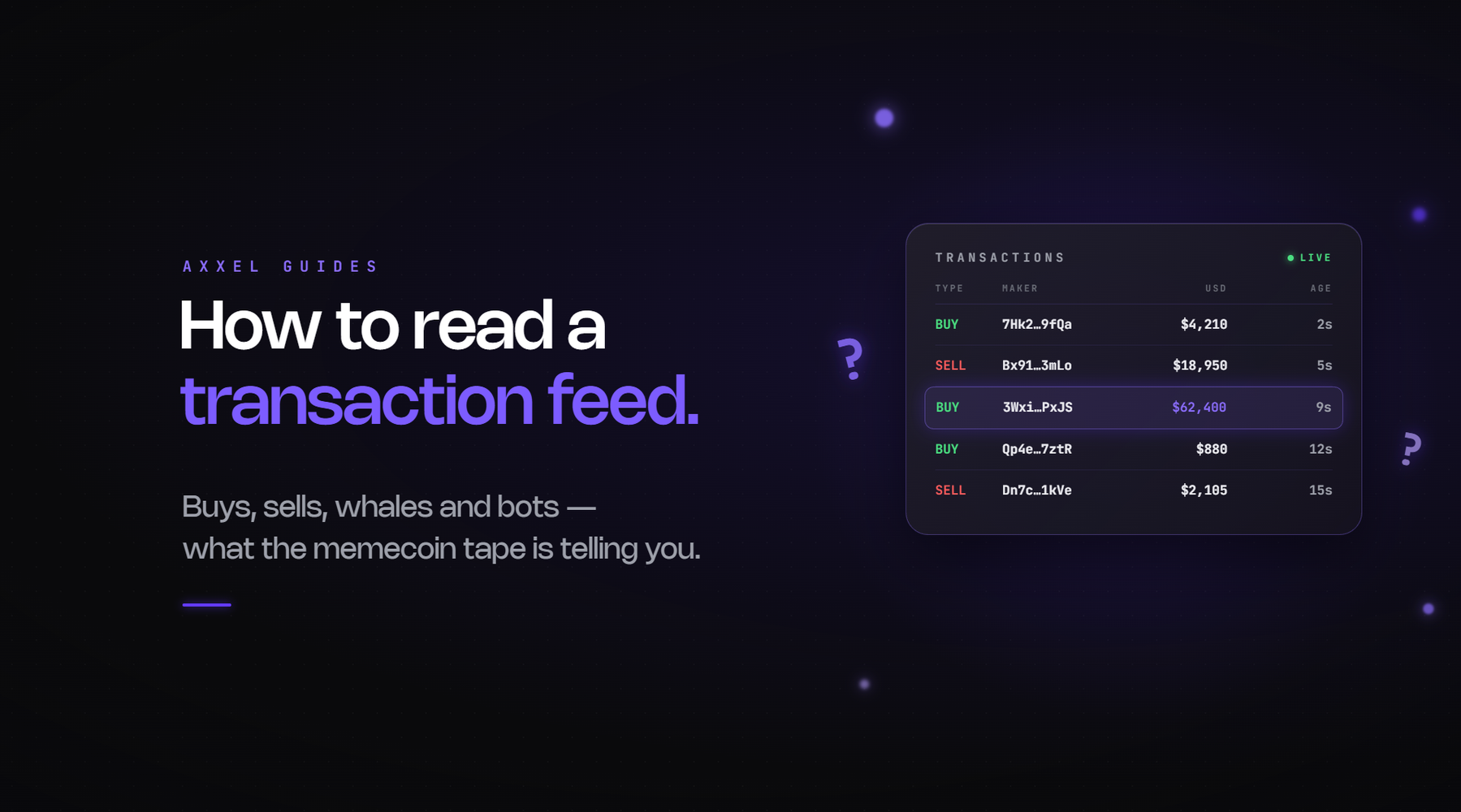
The chart shows you what happened to the price. The transaction feed shows you who did it. For a memecoin, the second one matters more, because a chart can be painted by one wallet and a transaction feed can’t hide that. This is how to read it.
Where it is
On DexScreener it’s the Txns tab under the chart. Every terminal has an equivalent. Each row is one trade: the time, whether it was a buy or a sell, the size in dollars, the number of tokens, the price it filled at, the wallet that made it, and a link to the transaction on a block explorer.
Most people glance at it, see green and red, and go back to the chart. The information is in the pattern across rows, not in any single one.
Step 1: buys vs sells, by size not count
Count is misleading. Fifty $20 buys and three $5,000 sells is a coin being distributed to retail, however green the feed looks. Scan the dollar column and ask who’s moving real money in which direction. Healthy accumulation is a few mid-sized buys, small sells, and the average buy creeping up. Distribution is the reverse: the big rows are red.
Step 2: look for the same wallet
Click a few of the larger rows and see if the same address keeps appearing. One wallet buying every two minutes in identical sizes is a volume bot, and the “activity” on the chart is one person talking to themselves. Wash trading is easiest to spot here, not on the chart, because the chart only shows the result.
Wallets that fire in the same block, or within a second of each other, are usually one operator. That’s the on-chain fingerprint of a bundled launch, and the feed shows it in the first minute of trading if you scroll back to the start.
Step 3: check who the sellers are
When a sell is big enough to matter, click the wallet. Three things to look for. Is it the deployer or a wallet funded by the deployer? Then that’s a dev selling, whatever the Telegram says, and signs a dev is about to sell covers what usually comes next. Is it a wallet that bought in the first block? Then it’s a sniper taking profit, which is normal and not a reason to panic. Is it a wallet that received the tokens by transfer rather than buying them? Then someone was given supply, and you want to know why.
Tracing wallet funding is the skill here. It takes about a minute per wallet once you’ve done it a few times.
Step 4: read the makers, not just the trades
A feed full of fresh wallets all funded today from the same exchange is one person. A feed with wallets that have months of history, different funding sources and other coins in them is an actual crowd. The second kind of buyer holds through dips. The first kind is gone the moment the operator decides.
If you’re not sure whether a wallet is a person, how to tell if a wallet is a bot runs through the tells.
Step 5: the top traders tab
Most tools now have a top traders view that ranks wallets by profit on the coin. It’s the feed summarised. Use it to answer two questions. Who’s up the most, and have they sold yet? If the top three wallets are each sitting on large unrealised gains and haven’t sold a token, that’s supply waiting to hit the market. If they’ve been selling into every bounce, you now know who the “mysterious sell pressure” is.
The other use is finding wallets worth following. A wallet that’s top three on this coin and was top three on the last two runners in the meta goes on your tracking list.
Step 6: watch your own fill
The feed is also where you check your own trades. If your buy filled well above the price you clicked and there’s a buy immediately before yours and a sell immediately after from the same wallet, you were sandwiched. MEV and sandwich attacks explains how, and why your buy moves the price covers the version where it was just thin liquidity.
A 60-second routine
Before any entry: scroll the feed back to launch and look for same-block buys. Scan the last hour by size. Click the three biggest sells and check who they are. Open top traders and see if the winners have started selling. If the story the feed tells matches the story the chat tells, you can size up. If it doesn’t, the feed is right.
Axxel supports Solana, Ethereum, Base, BNB Chain and Robinhood Chain, with market, limit, trailing and sniper orders, stop loss and take profit on every trade, adjustable slippage, and MEV protection through bloXroute on Ethereum and Jito on Solana. The fee is a flat 0.9% on every trade, and your keys stay yours.
This article is for information only and is not financial advice. Crypto assets are high risk and you can lose everything you put in